
Part 5 · Account and settings
5.7Getting help
If something doesn't work and this guide doesn't help, contact Cryptolink support via Telegram or email.
Contact support
Go to Account › Support. The section is available even if you're not signed in.
| Row | What it does |
|---|---|
| Telegram | Opens the support chat in Telegram (or in the browser, if Telegram isn't installed). |
| Telegram | Opens the support chat page in the built-in browser. From there, you can switch to the Telegram app if it's installed. |
| Contact Us | A panel opens — tap via E-mail: a new email to support opens in the Mail app. If Mail isn't set up on the iPhone, the support address is copied — paste it into any email app. |
| Contact us | Opens your email app right away with a new email to support. If you have several email apps, Android asks which one to use. |

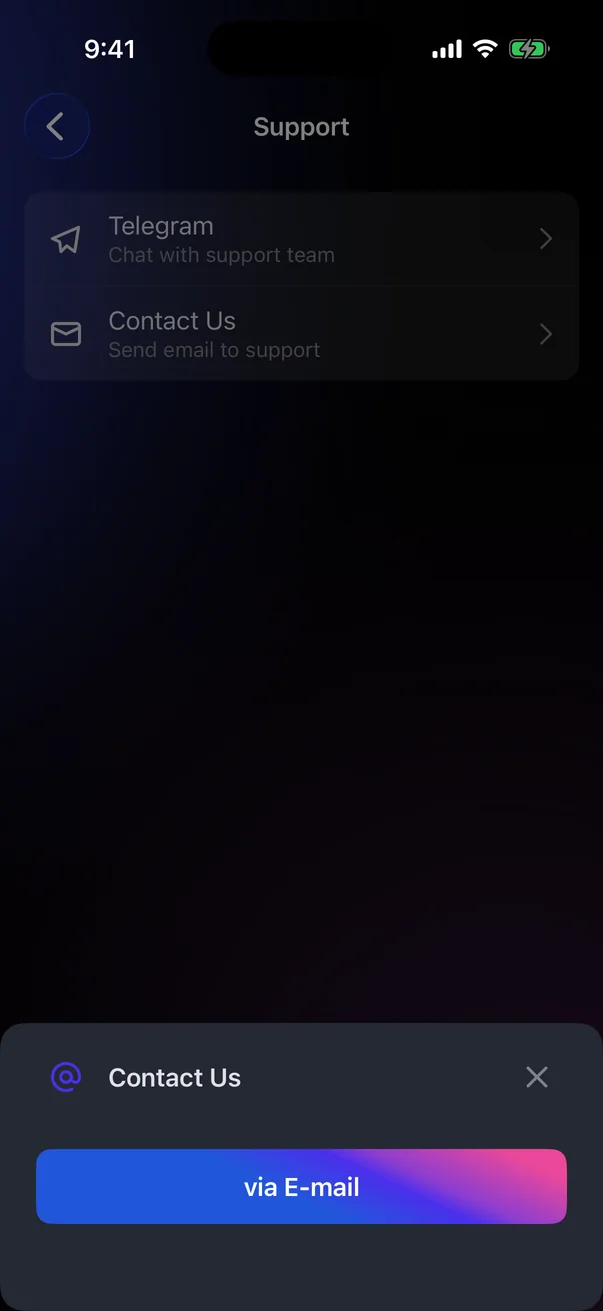
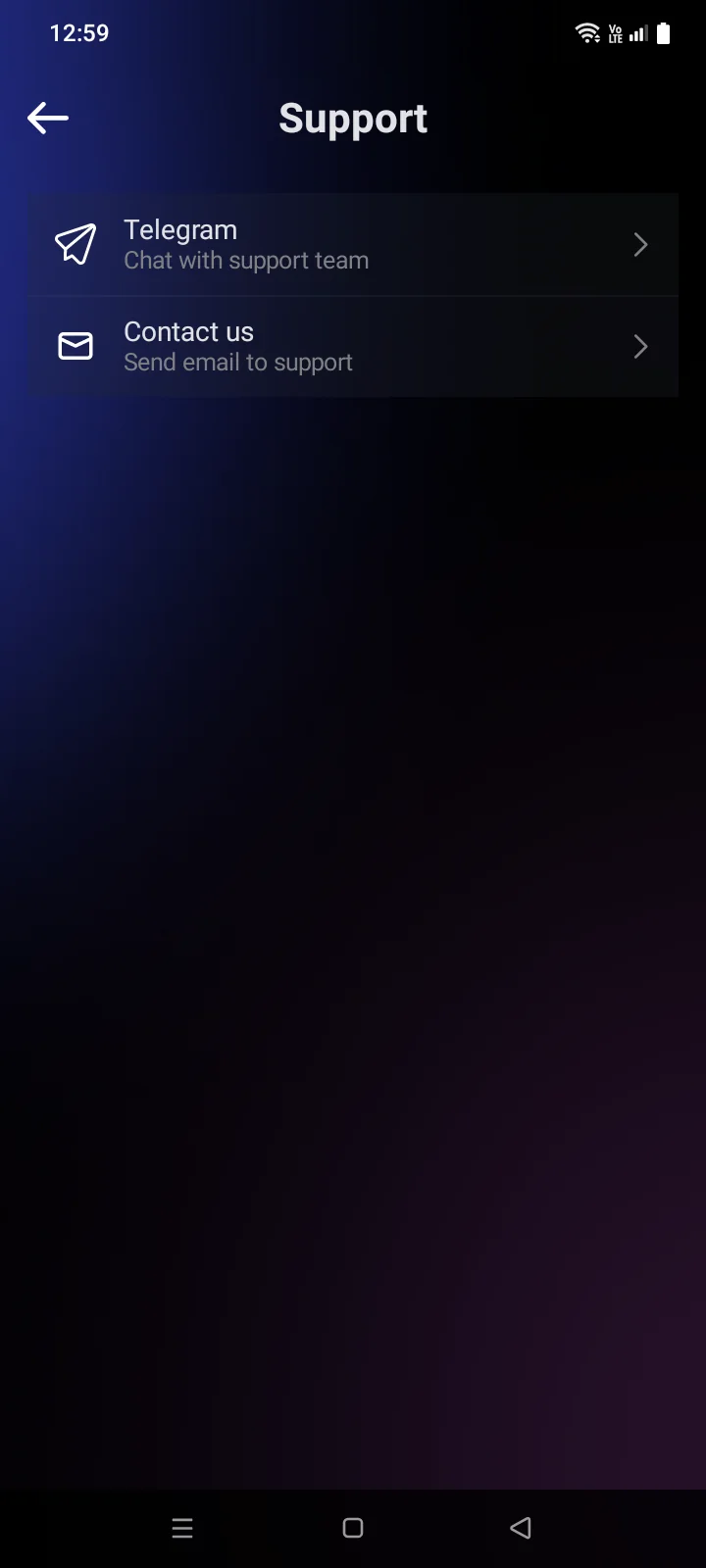
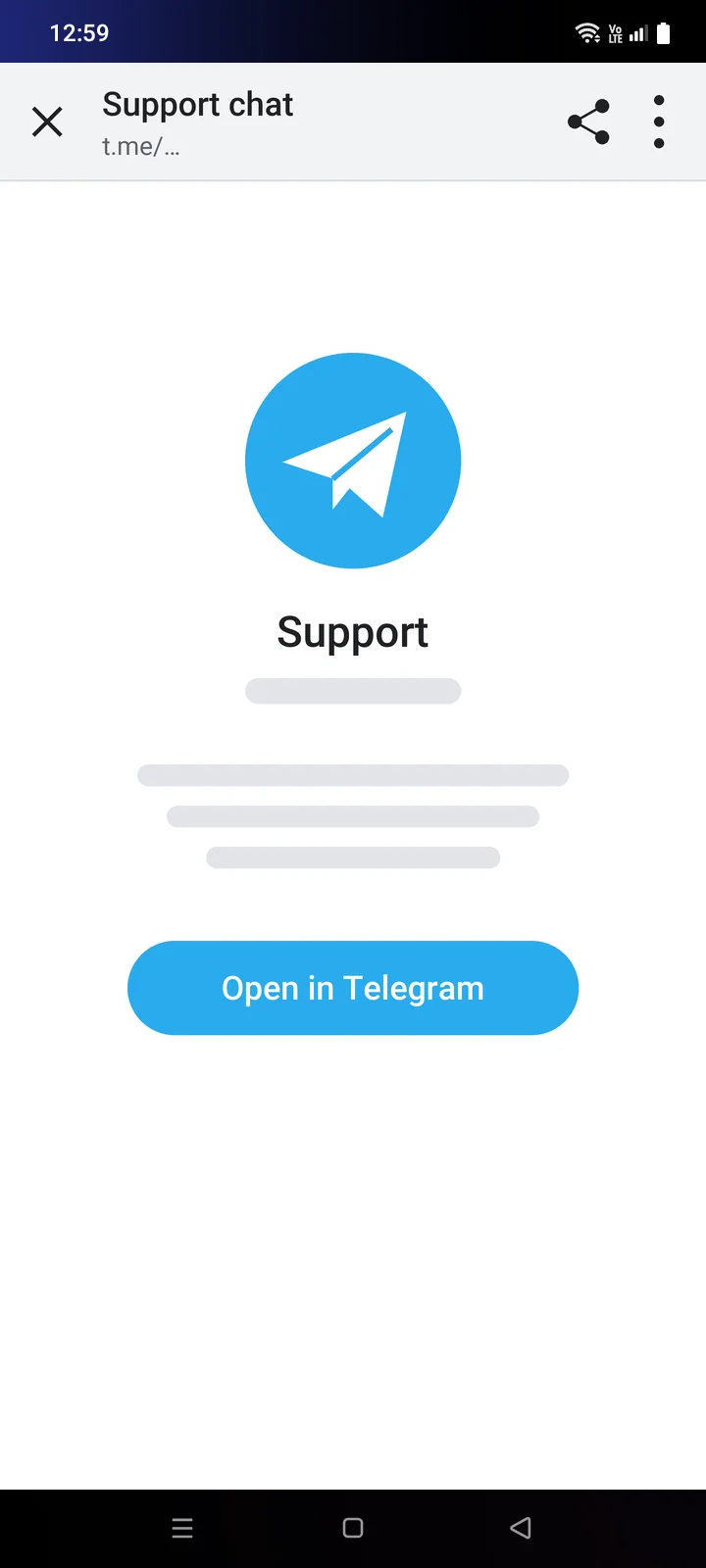
For “Contact us”, you need an email app on your phone. If you don't have one, write to Telegram.
What to include in your request
- The email of your Cryptolink account.
- What you did and what happened — the exact text of the message, or a screenshot.
- For a card: the last 4 digits of the card number. Never send the full card number, CVV or PIN.
- For a crypto transfer: the coin, the network and the transaction ID (see 4.7).
- The app version and your iPhone model with its iOS versionthe Android version (for example, Android 16) — they're at the bottom of the Account tab — as well as your phone model.
Support never asks for your recovery phraseDon't send anyone your recovery phrase, app passcode or account password — not even support. Anyone who has your recovery phrase controls your crypto.
When to contact support
The guide sends you here when a problem can only be solved on Cryptolink's side:
- Account: the account has been deleted; Apple or Google didn't share your email at sign-up; the phone number is already bound to another account.
- Verification: your region isn't in the list for the identity form (see 2.3) or the delivery address (see 2.4).
- Cards: a problem with paying for a card; the card is linked to another account; card details don't load; changing the PIN or freezing keeps failing; a top-up didn't arrive; the phone number for the Apple Wallet code is no longer available; the card details may be compromised.