
5.8Signing out and deleting the account
Log outLog out of account and Delete account are at the bottom of the Account tab. Signing out can be undone by signing in again; deleting can't.
Sign out
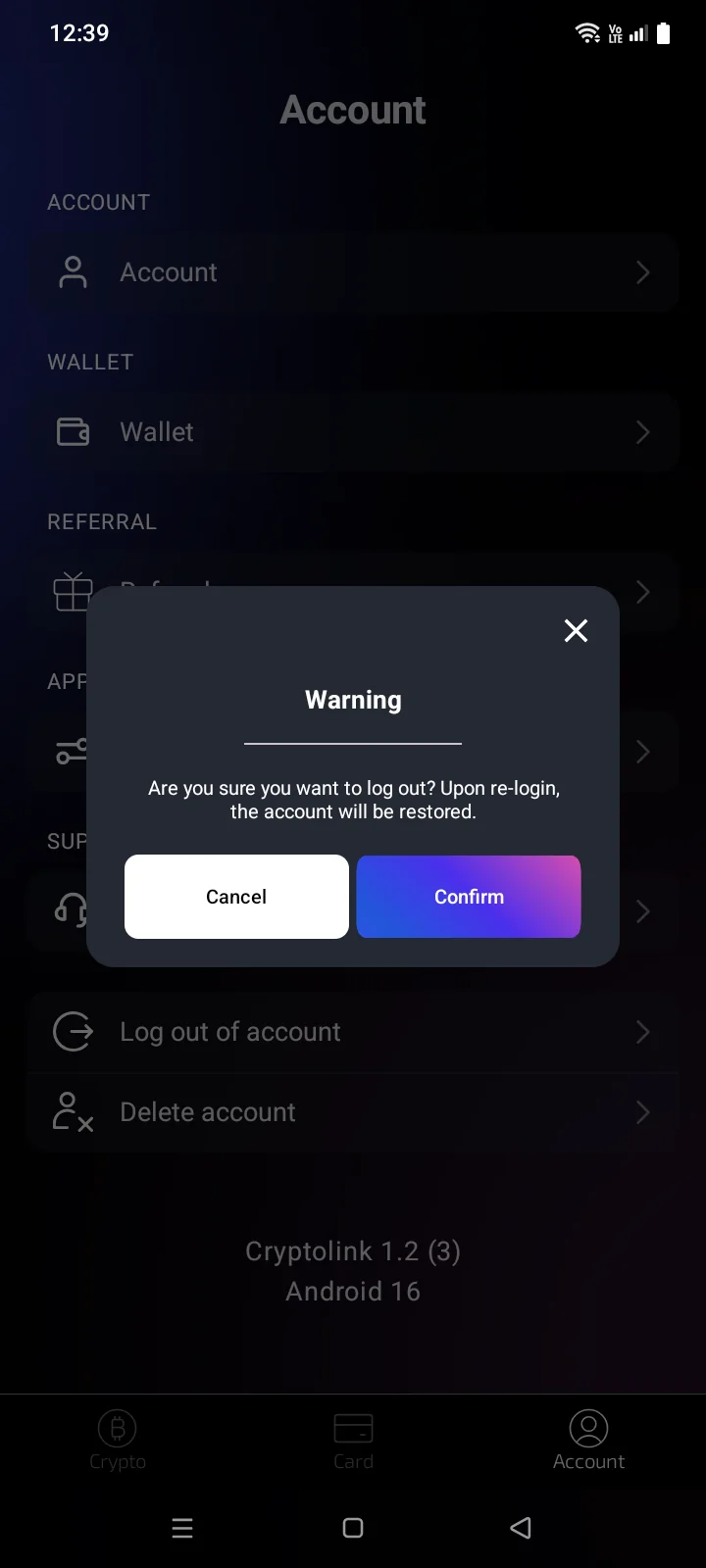
- On the Account tab, tap Log outLog out of account.
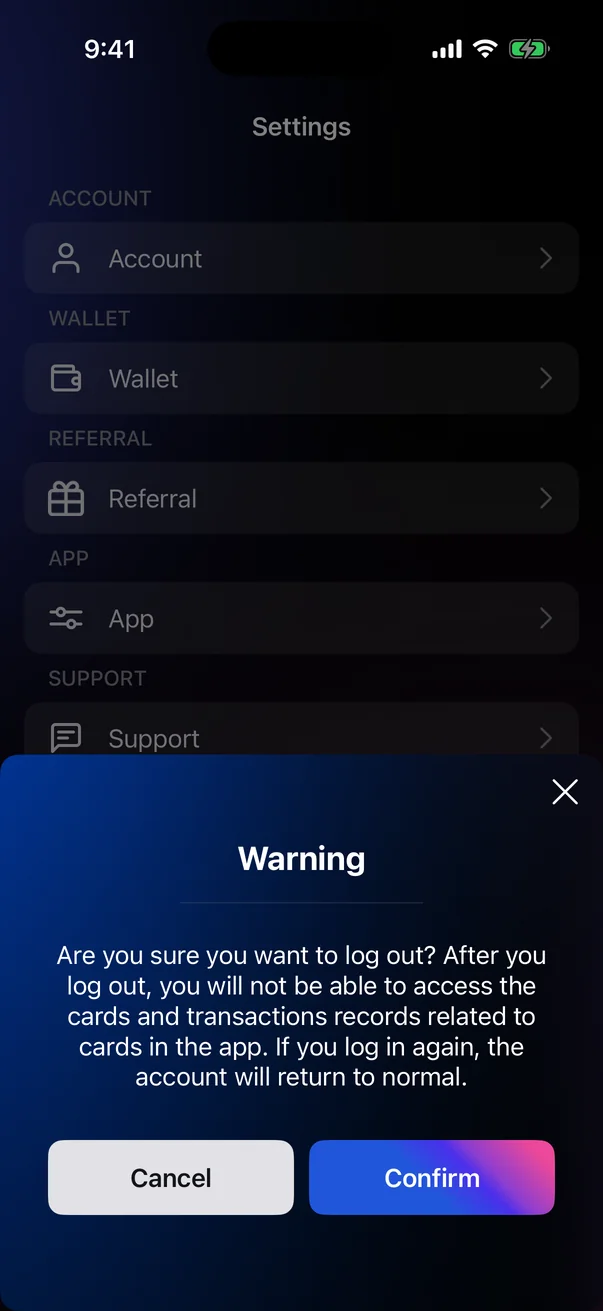
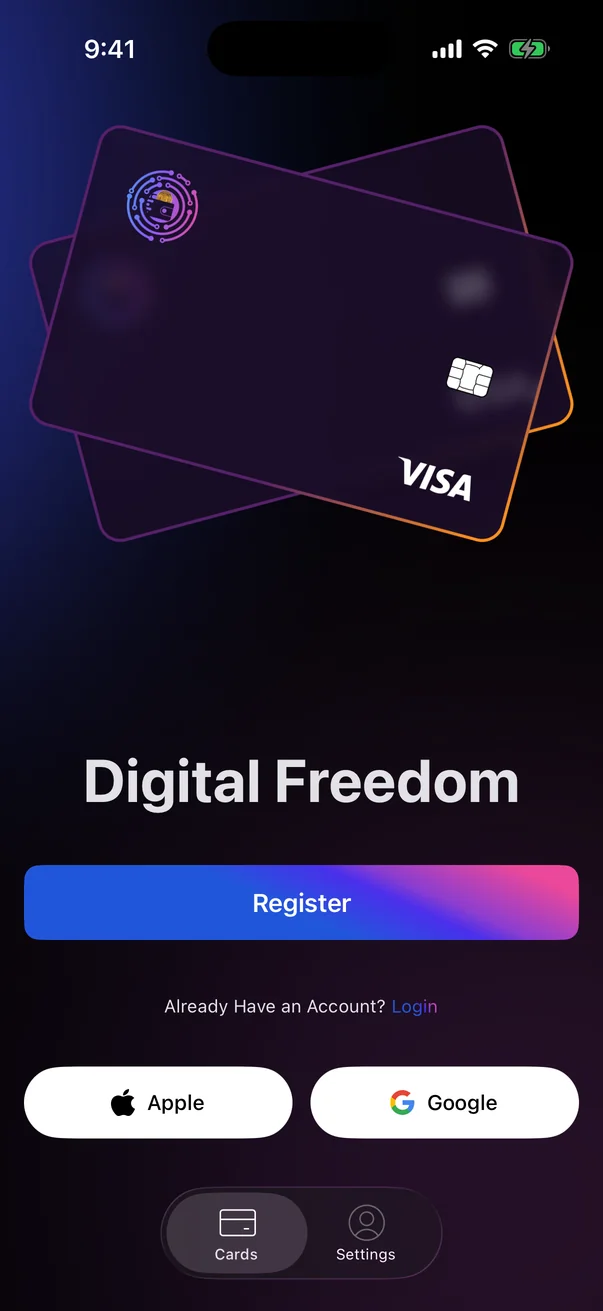
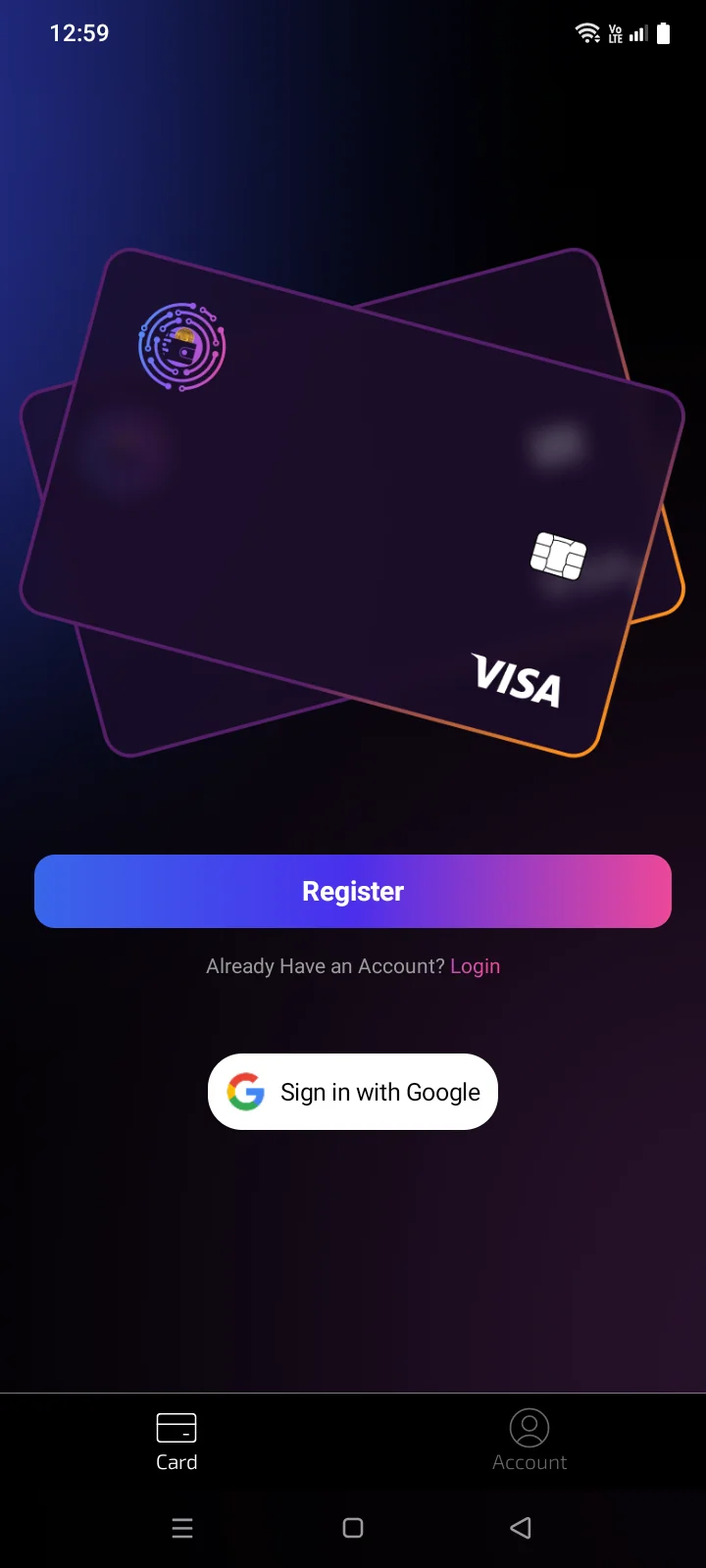
- A Warning window appears: Are you sure you want to log out? After you log out, you will not be able to access the cards and transactions records related to cards in the app. Upon re-login, the account will be restored.Are you sure you want to log out? Upon re-login, the account will be restored. Tap Confirm (or Cancel to stay signed in). The app opens the CardsCard tab with the sign-in screen.
After signing out:
- cards and card transactions aren't shown — they come back when you sign in again;
- the app unsubscribes this phone from the account's notifications (see 5.5);
- crypto wallets stay on the phone, but the Crypto tab is hidden until you sign in again;
- only App and Support remain on the Account tab;
- contacts, passcode, language and base currency stay on the phone.
The sign-in screen is always reachable: when you're not signed in, the CardsCard tab is shown even if you hid it before signing out (see 5.1).
Delete the account
- On the Account tab, tap Delete account.
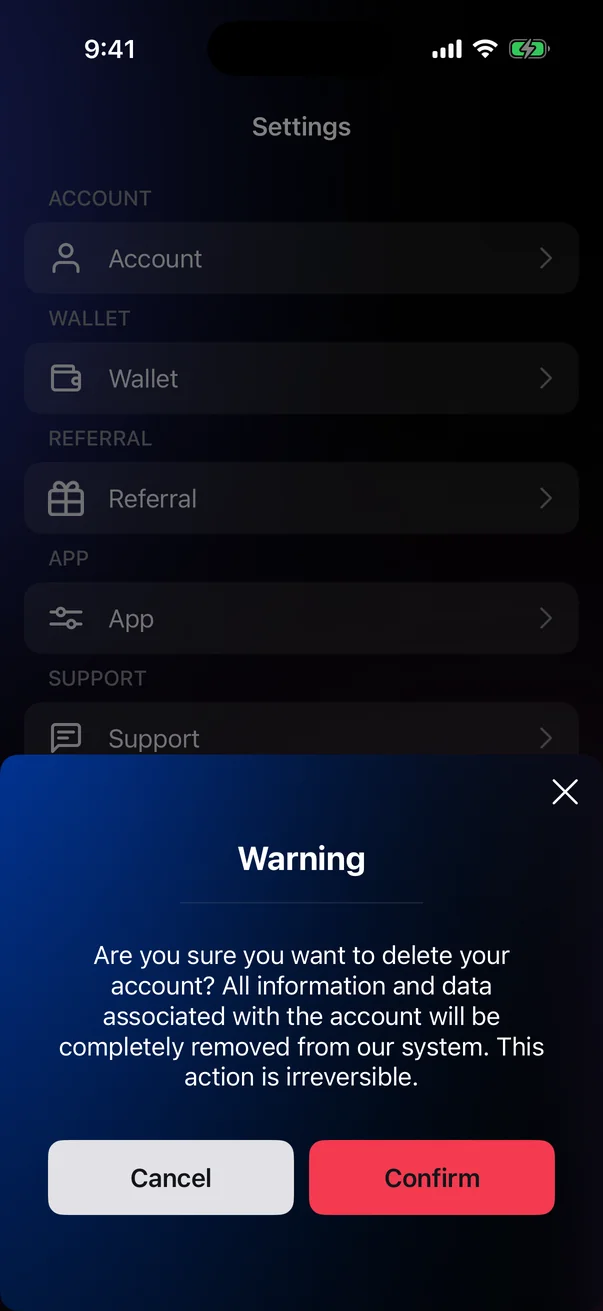
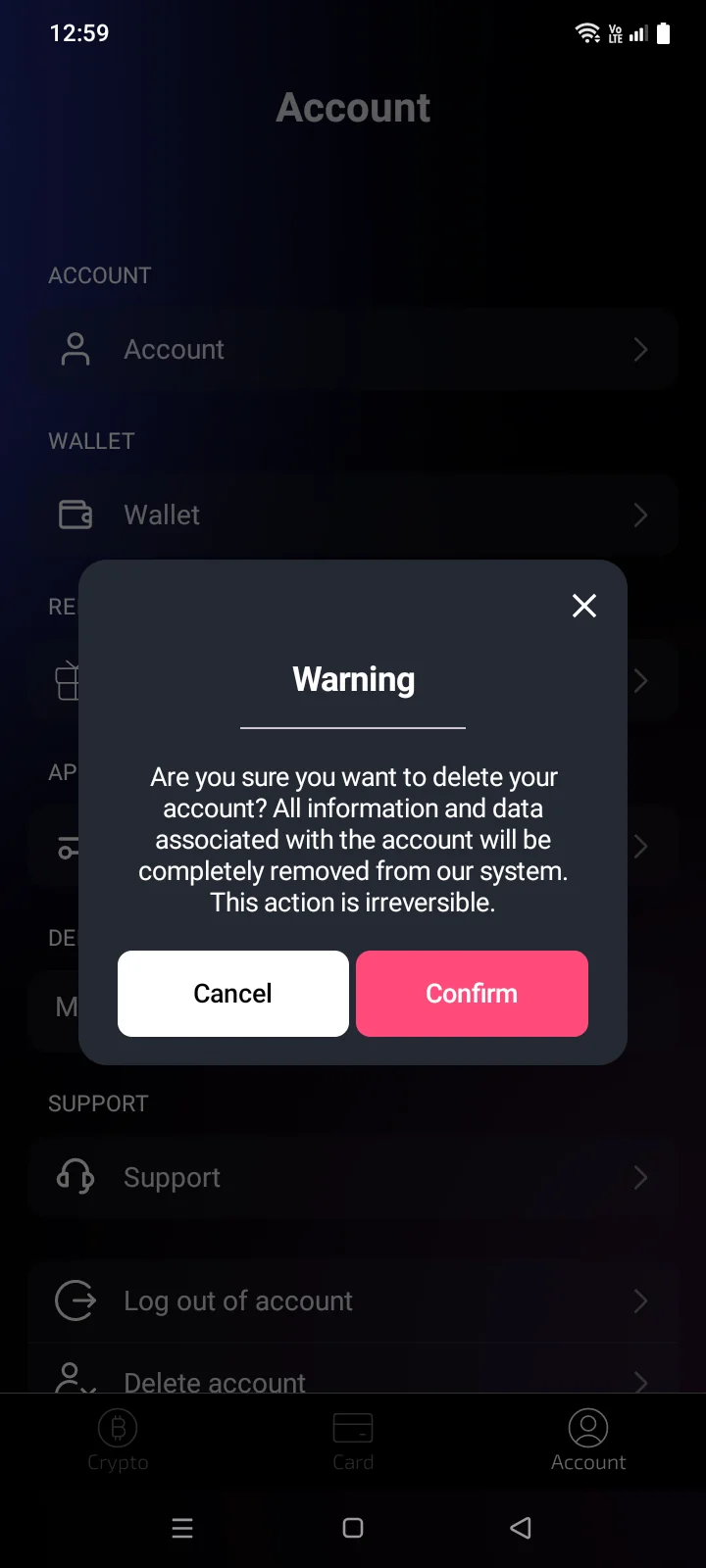
- A Warning window appears: Are you sure you want to delete your account? All information and data associated with the account will be completely removed from our system. This action is irreversible. Tap the red Confirm. The account is deleted, and the app opens the CardsCard tab with the welcome screen.
Crypto wallets aren't part of the Cryptolink account — they stay on this phone. But the Crypto tab is shown only to signed-in users, so after deletion you can reach the wallets only by signing in to another account. Make sure you have the recovery phrases of all wallets (see 3.4).
If something goes wrong
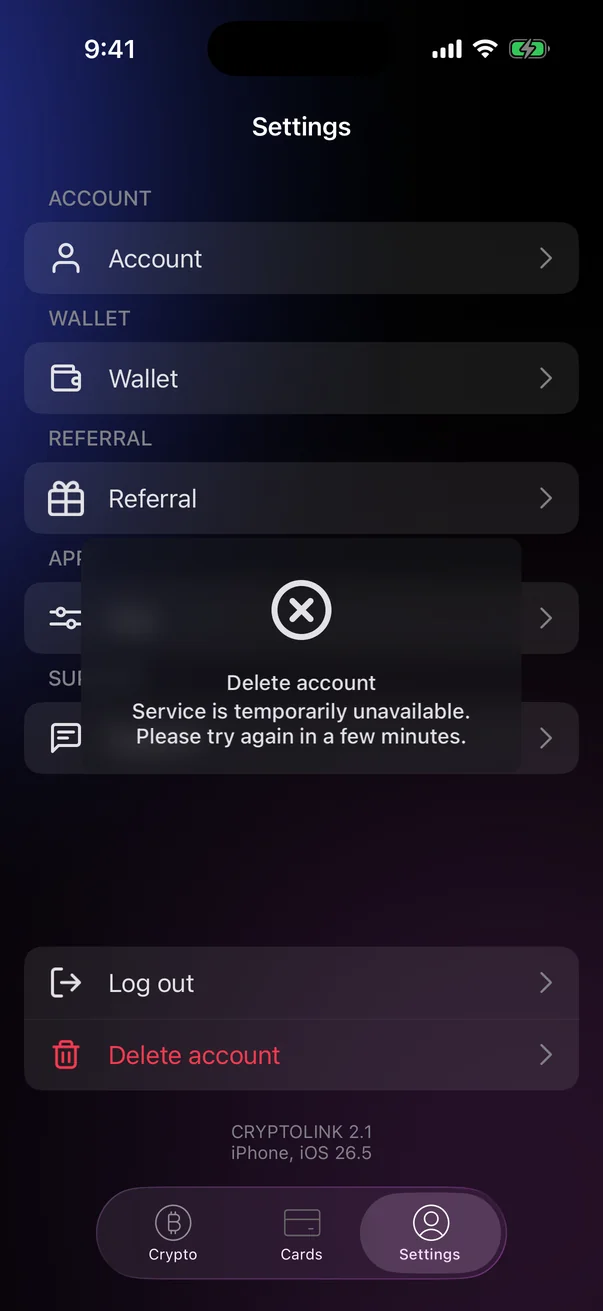
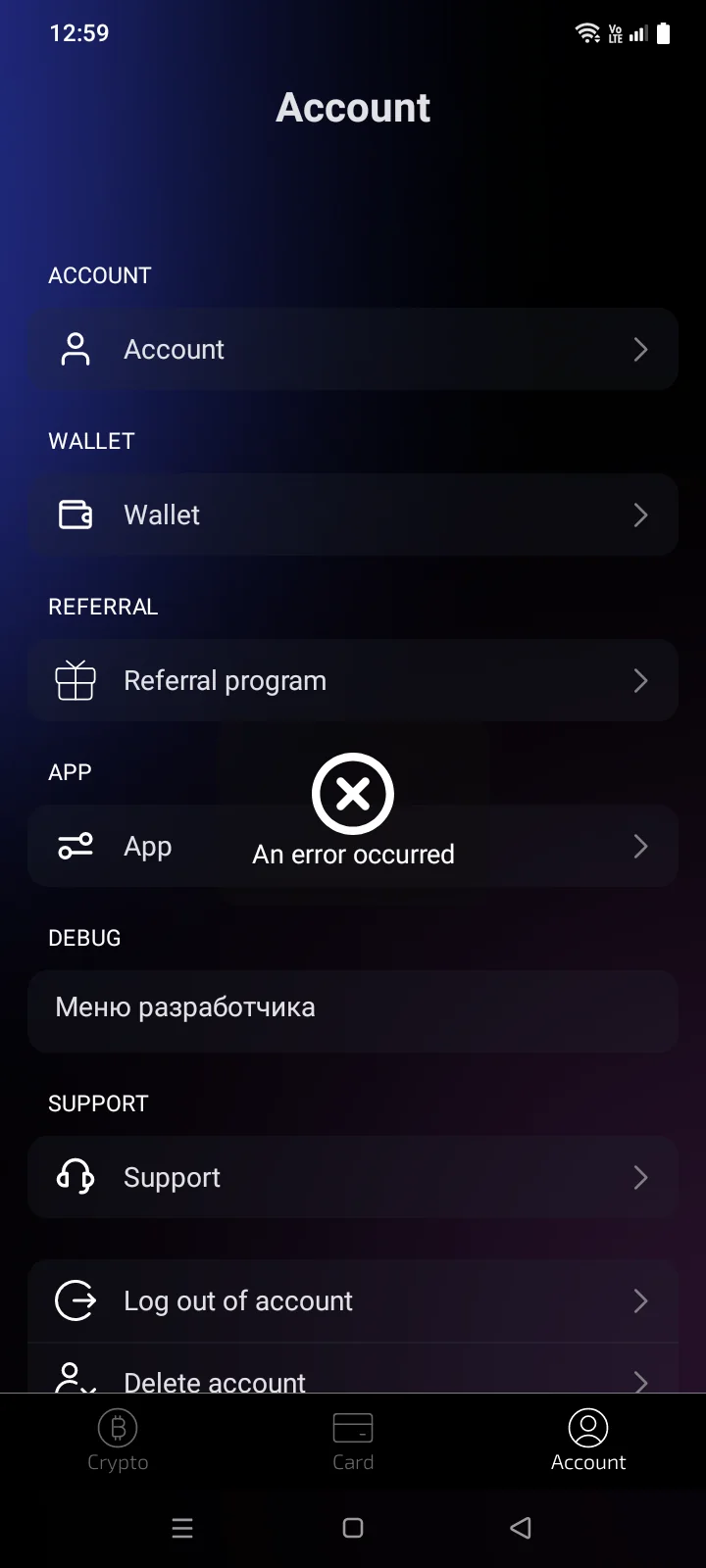
If the account couldn't be deleted, an error message appears at the top of the screen — for example, An error occurred or Connection error. Please check your internet connection and try again, and you stay signed in. Try again later; if the error repeats, contact support (see 5.7).
Signing in to a deleted account with Apple or GoogleGoogle shows This account has been deletedAccount deleted or not registered. Please register in the app. (see 1.3).