
Part 5 · Account and settings
5.2Wallet settings
Account › Wallet holds the crypto wallet settings: the Crypto tab, the base currency and contacts. The section appears when you're signed in.
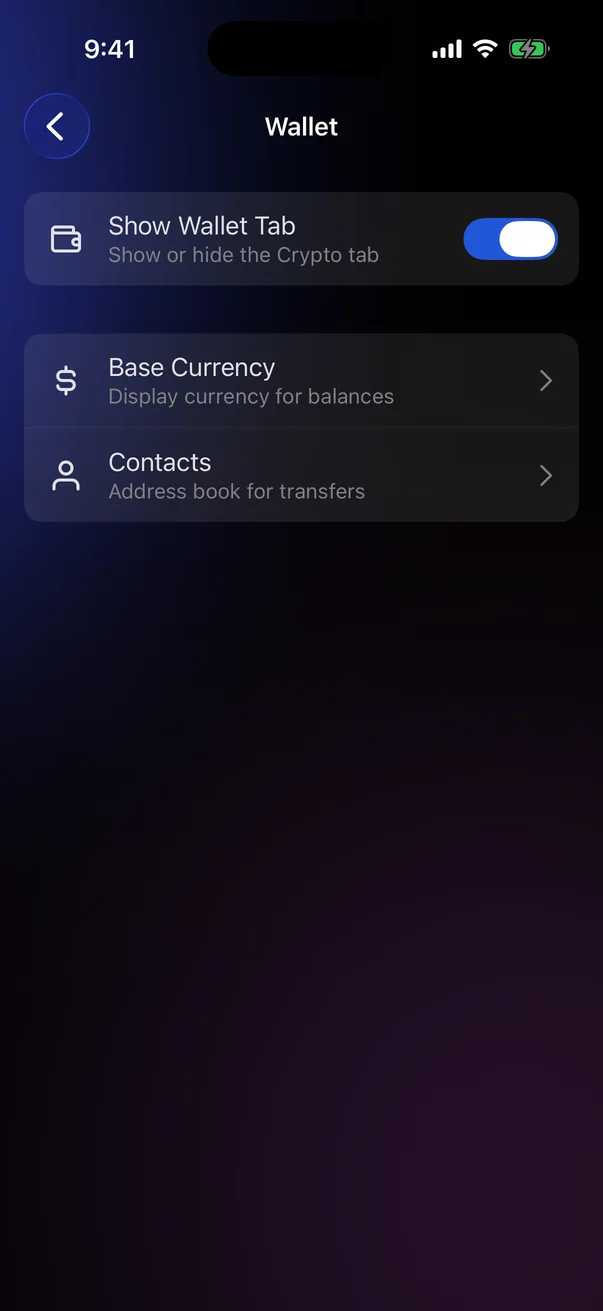
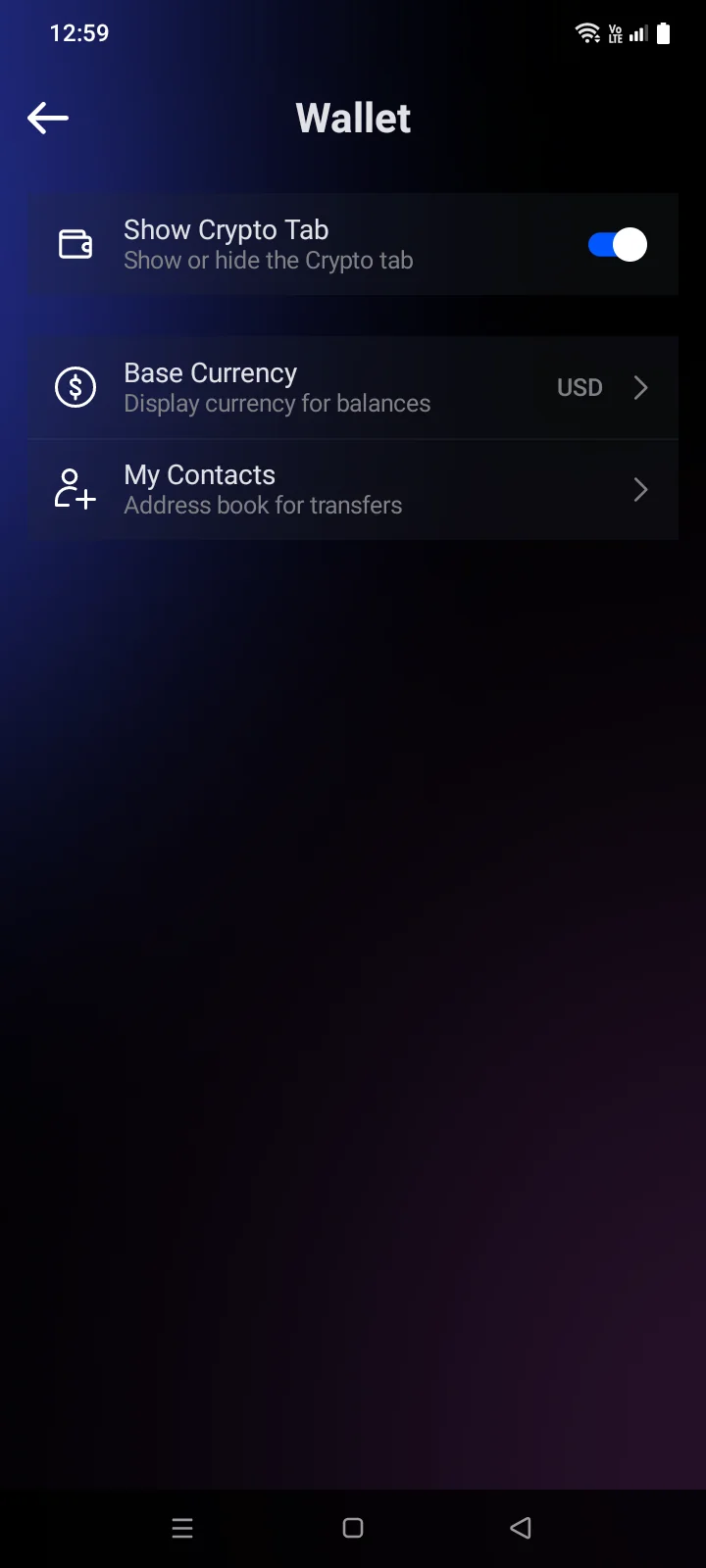
| Row | What it does |
|---|---|
| Show Crypto Tab | Shows or hides the Crypto tab. On by default. Hiding the tab doesn't delete wallets (see 3.1). |
| Base Currency | The currency for crypto balances and prices (below). The code of the current currency is shown on the right. |
| ContactsMy Contacts | The address book for transfers (see 4.8). |
Base currency
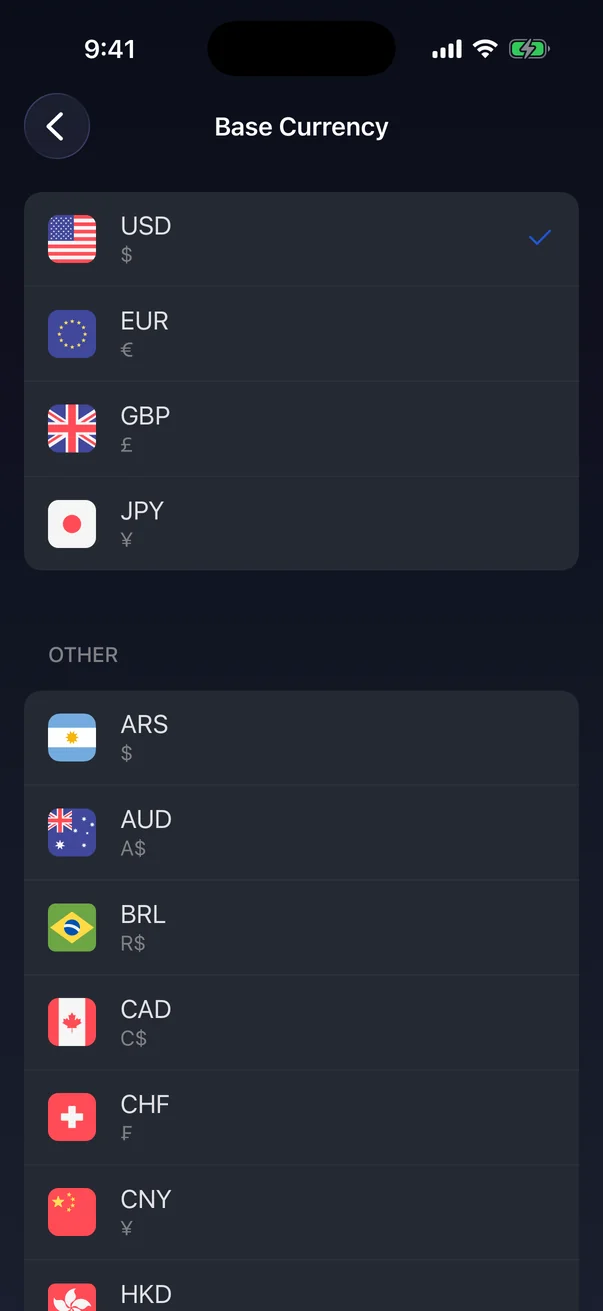
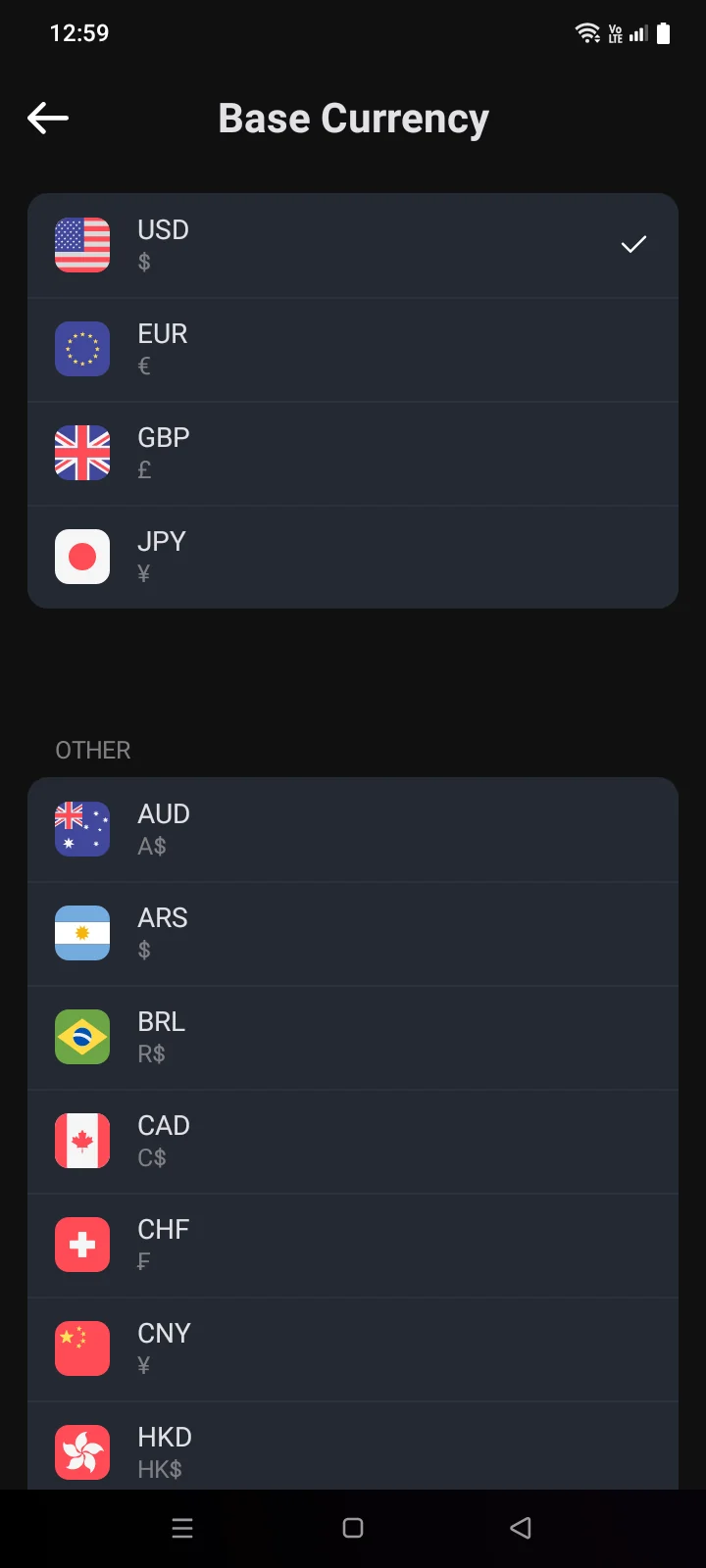
Tap Base Currency and choose a currency. The default is USD. The change applies at once, and the screen closes.
- At the top — USD, EUR, GBP, JPY.
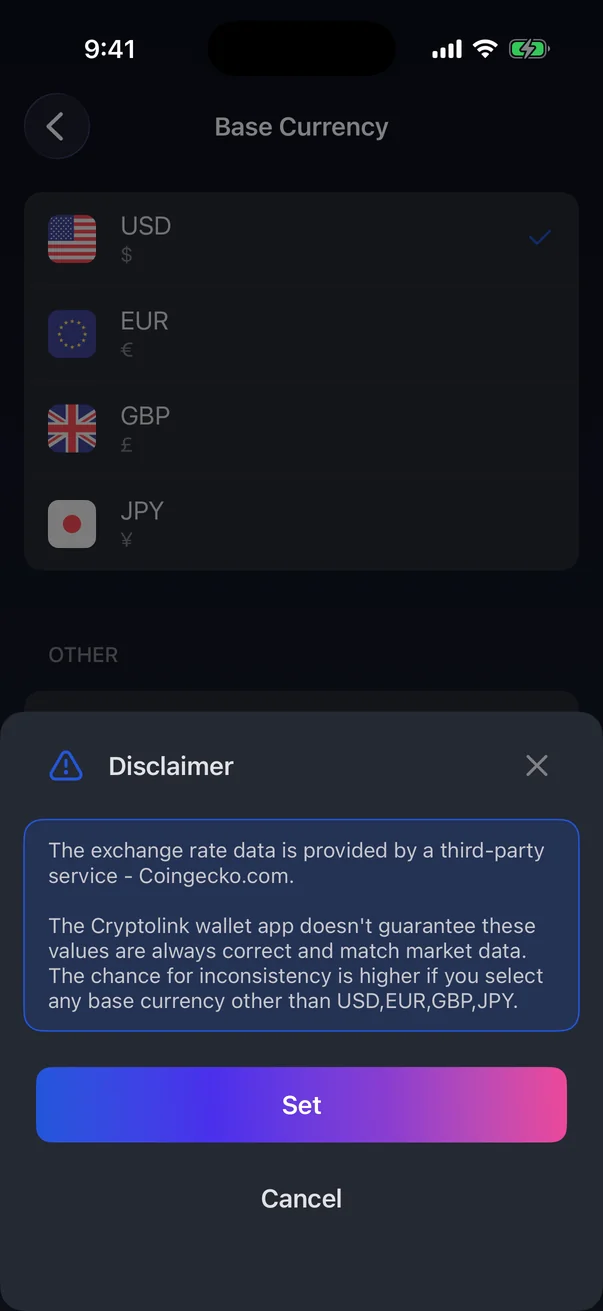
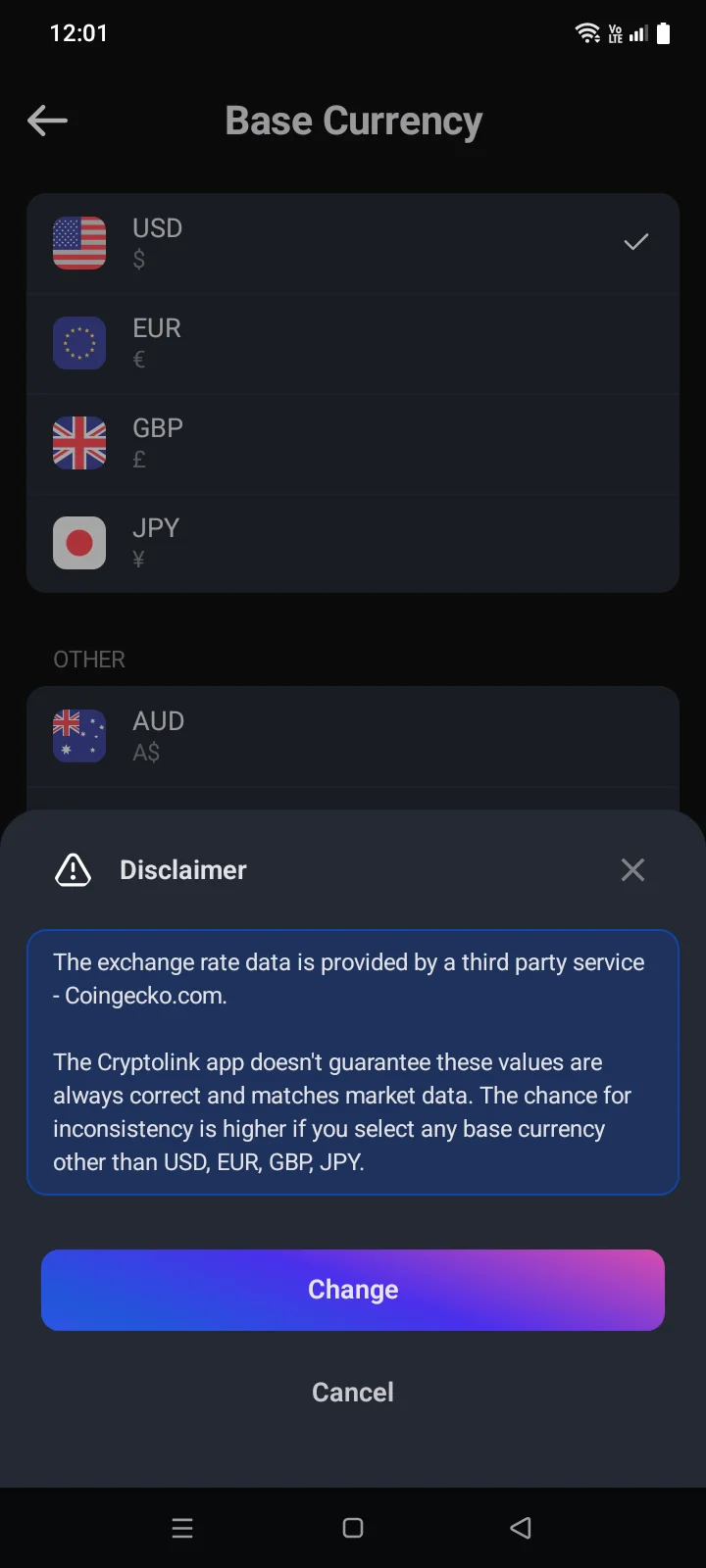
- Under Other — 1615 more currencies. When you choose one, the Disclaimer panel opens: rates come from a third-party service (CoinGecko) and may be less precise for these currencies. Tap SetChange to confirm, or Cancel.
The base currency applies only to the crypto wallet. Card balances and card transactions are always shown in the card's currency.
Balance hiding is set in Account › App › Security (see 5.3).