
Part 3 · Crypto wallet
3.1Turning on the Crypto tab
The crypto wallet lives on the Crypto tab. The tab appears after you sign in to your card account and can be hidden or shown again in the settings.
When the Crypto tab is shown
- You are signed in to your card account (see 1.3). Before you sign in, only CardsCard and Account are shown.
- The Show Crypto Tab switch is on. It is on by default.
Right after you sign in, the Card tab opens. The Crypto tab is to its left in the tab bar.
Show or hide the tab
- Open Account › Wallet.
- Turn Show Crypto Tab on or off. Then go back: the tab appears in the tab bar or disappears from it.
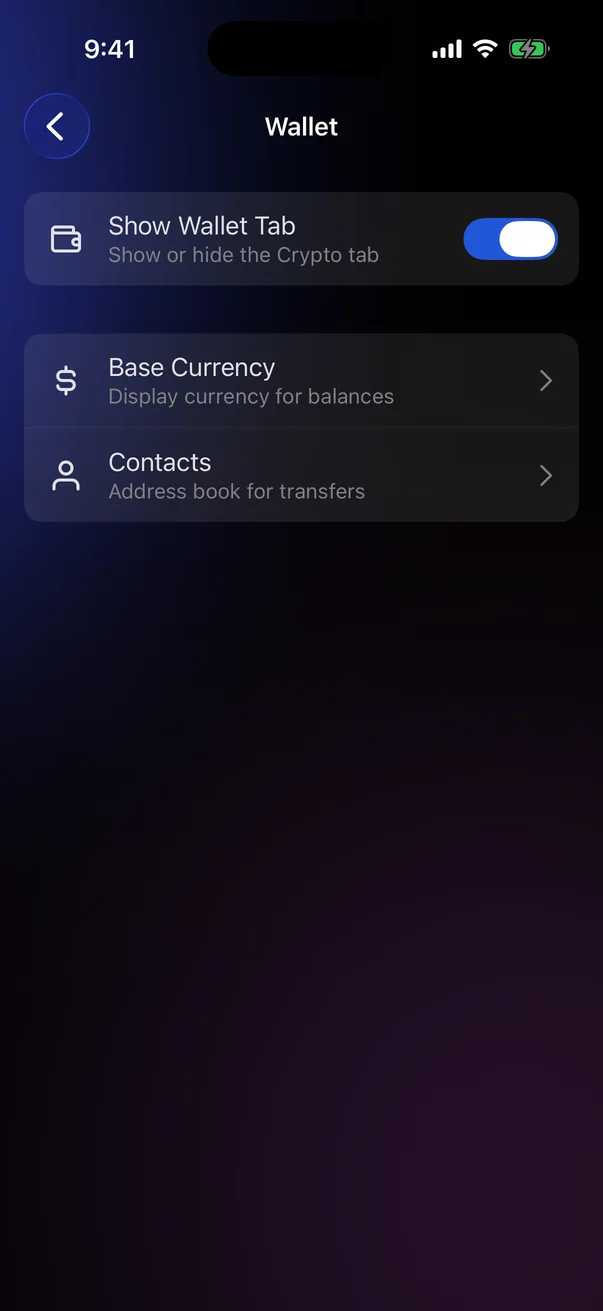
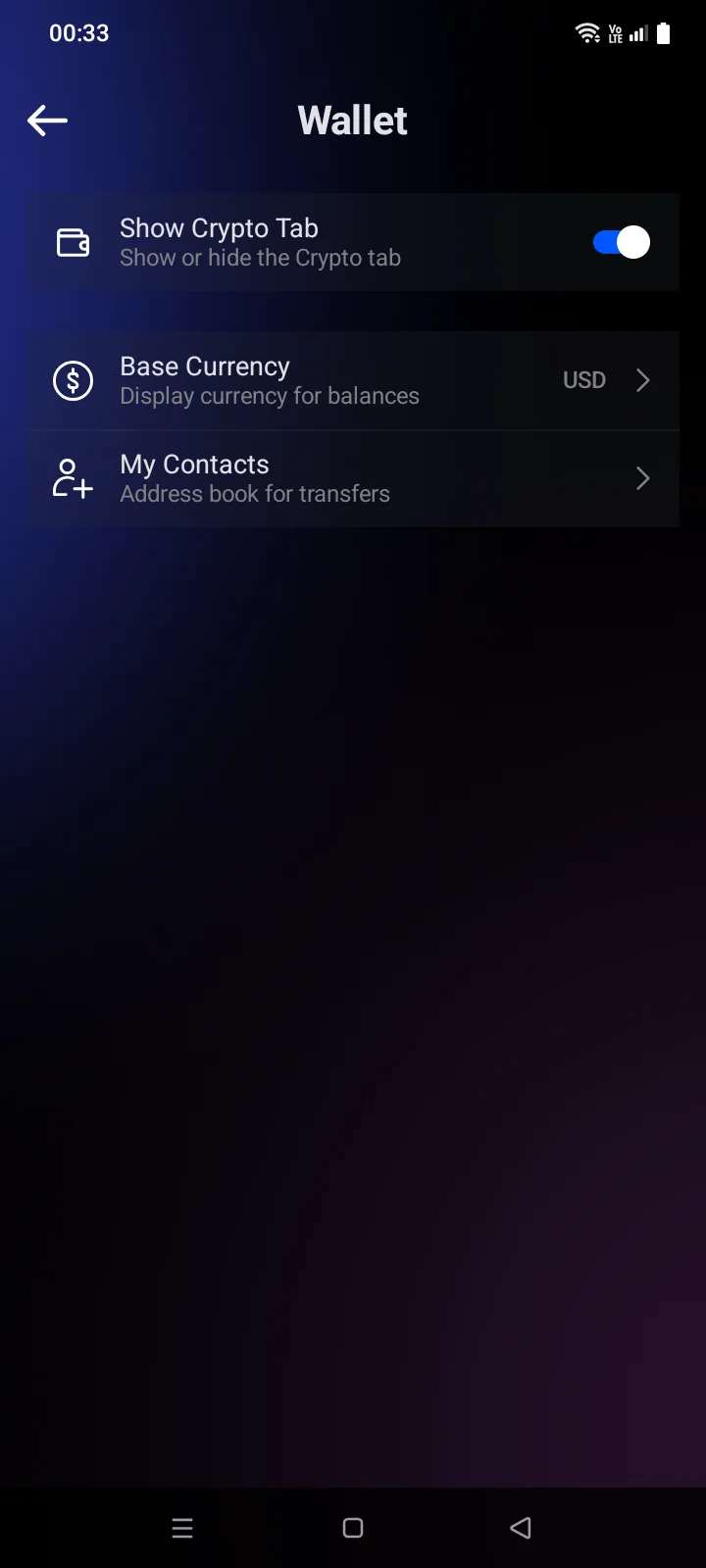
Hiding doesn't delete anythingYour wallets stay on your phone while the tab is hidden. Turn the switch back on to see them again. When you sign out, the tab is also hidden until you sign in again, and the wallets stay on your phone (see 5.8).
What's on the tab the first time
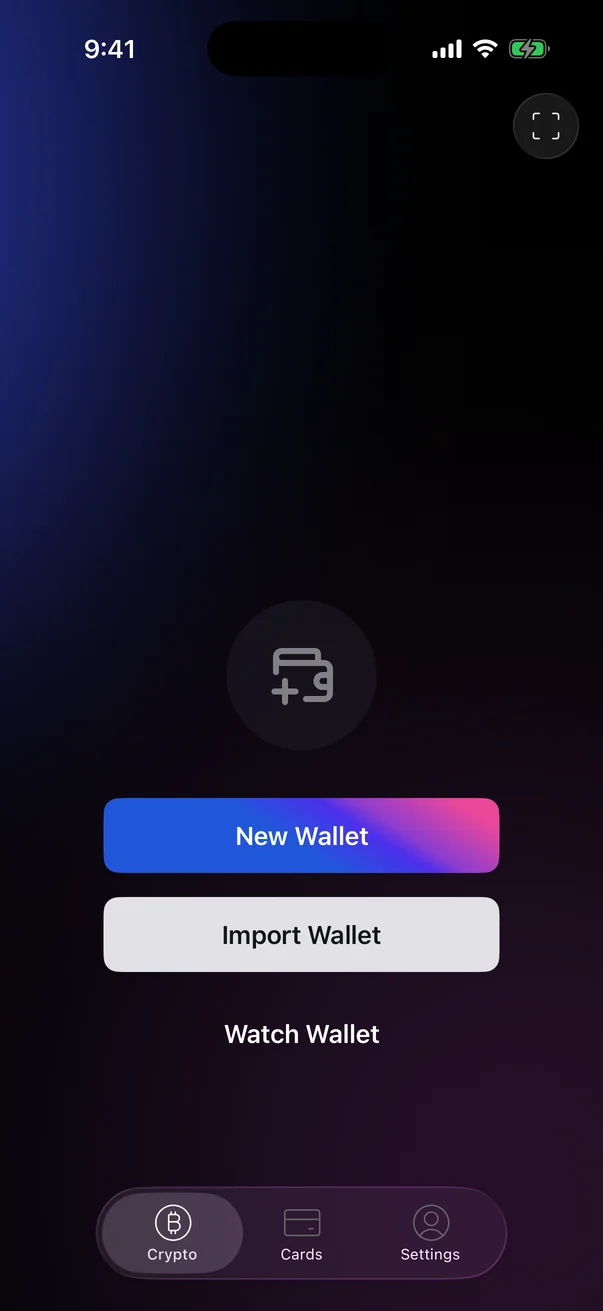
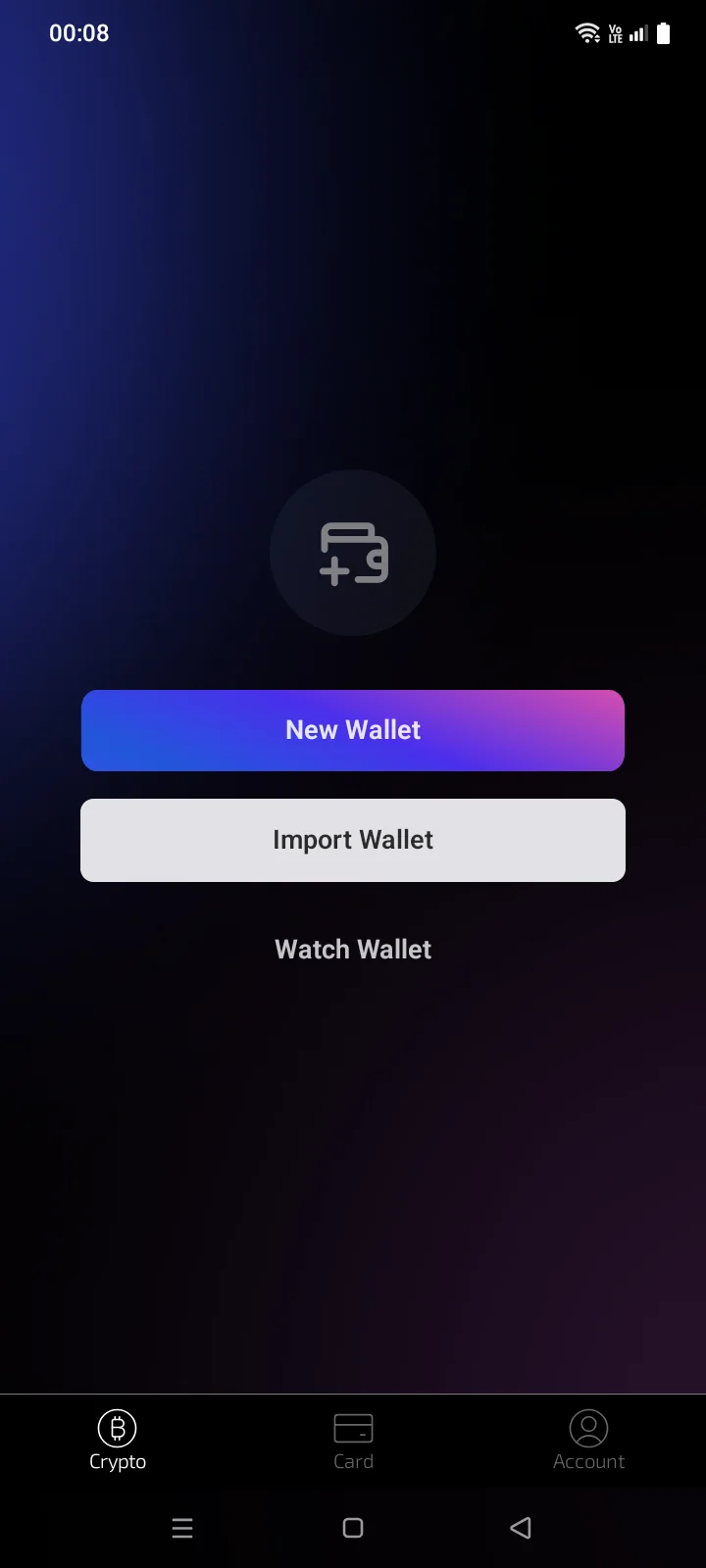
Until you add a wallet, the tab offers three options:
- New Wallet — create a new wallet with a recovery phrase (see 3.3);
- Import Wallet — restore a wallet you already have (see 3.5);
- Watch Wallet — follow the balance of any address without being able to spend (see 3.6).
Before you create or import your first wallet, the app asks you once to accept the terms of use (see 3.3).