
Part 3 · Crypto wallet
3.10Coin details
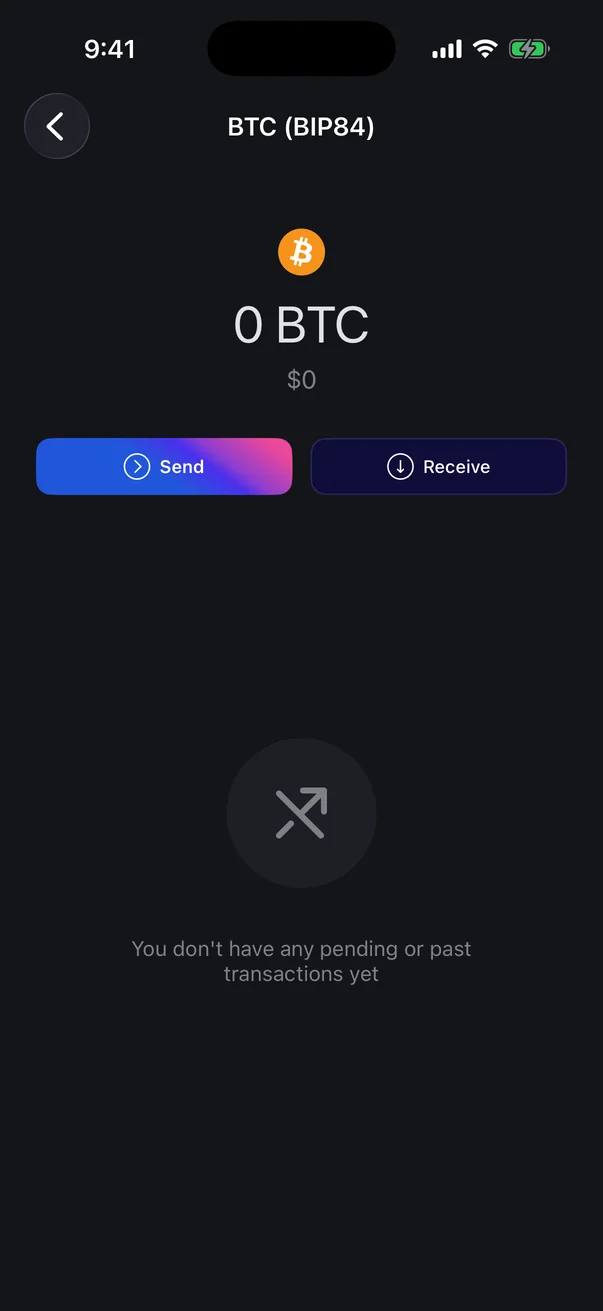
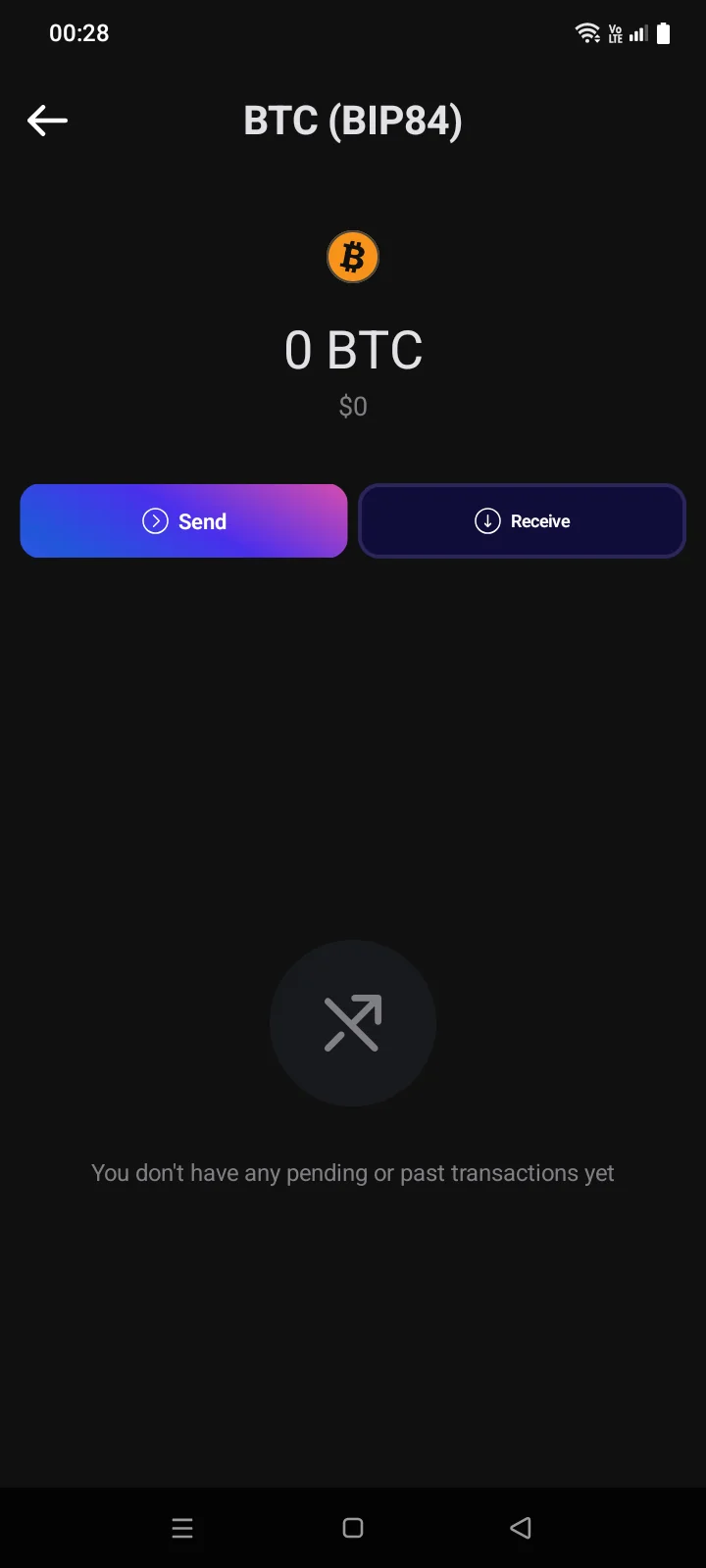
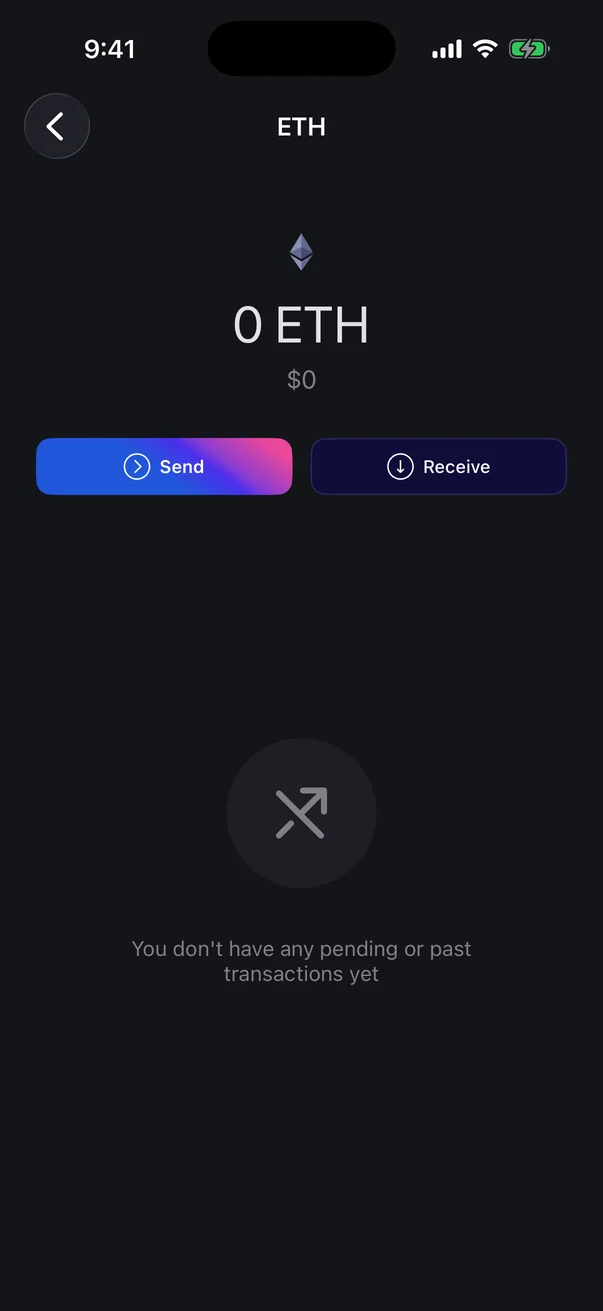
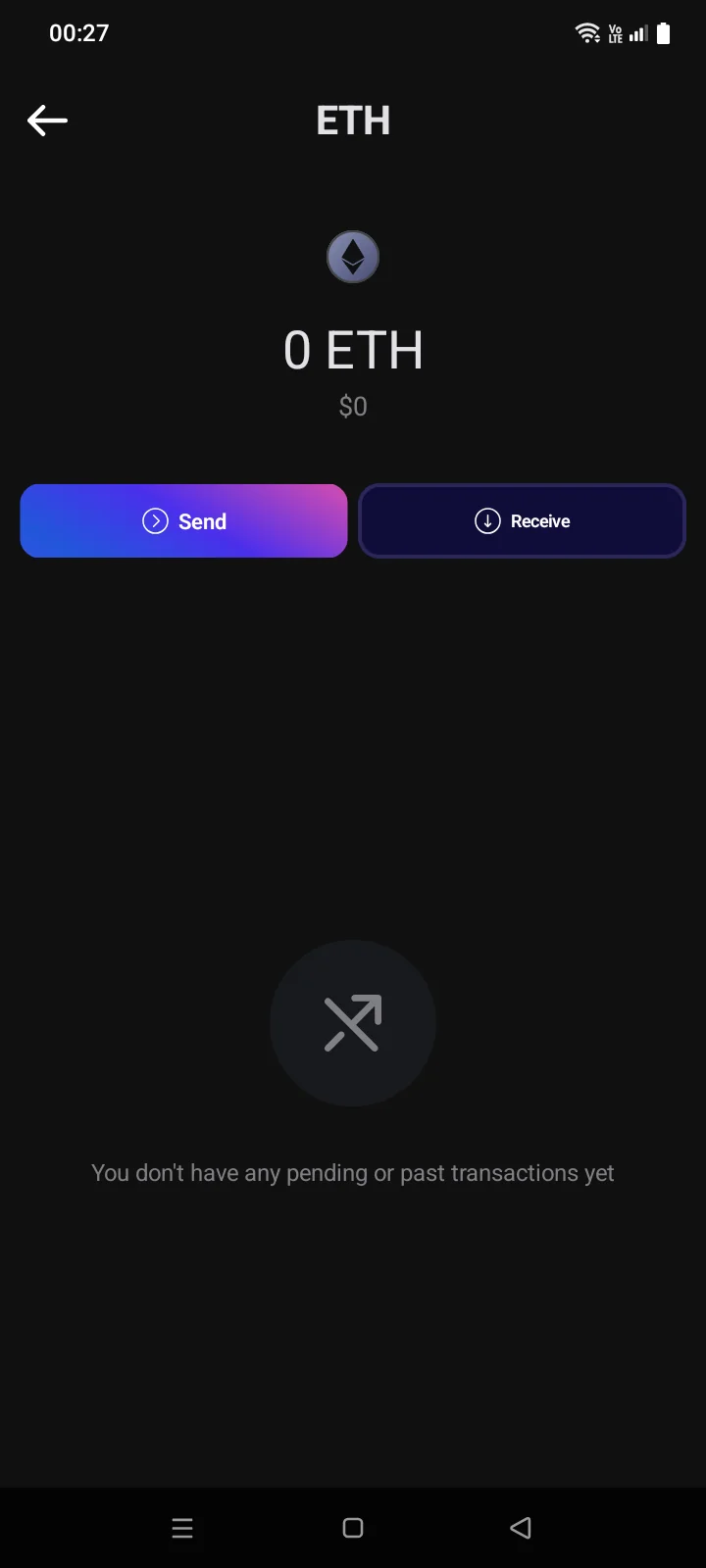
Tap a coin on the Crypto tab to open its page: the balance of this coin, its value, the Send and Receive buttons and the transactions of this coin only.
 1
2
3
4
5
6
1
2
3
4
5
6
| 1 | Coin — code and address format or network, for example BTC (BIP84). |
| 2 | Balance — the amount of this coin. Tap it to hide or show balances (***** instead of amounts). |
| 3 | Value — in your base currency (see 5.2); while the coin is syncing, Syncing... is shown here instead. |
| 4 | Send — send this coin (see 4.1). May be unavailable until syncing finishes. |
| 5 | Receive — the address for this coin (see 3.9). |
| 6 | Transactions — the transactions of this coin, newest first. A new wallet shows You don't have any pending or past transactions yet. |
 1
2
3
4
5
6
1
2
3
4
5
6
| 1 | Coin — code and address format or network, for example BTC (BIP84) or USDT (ERC-20). |
| 2 | Balance — the amount of this coin. Tap it to hide or show balances (***** instead of amounts). |
| 3 | Value — in your base currency (see 5.2); while the coin is syncing, Syncing… is shown here instead. |
| 4 | Send — send this coin (see 4.1). May be unavailable until syncing finishes. |
| 5 | Receive — the address for this coin (see 3.9). |
| 6 | Transactions — the transactions of this coin, newest first. A new wallet shows You don't have any pending or past transactions yet; while the coin is syncing — Please wait for the sync to finish. |
Below the buttons is the list of this coin's transactions; tap one to see its details (see 4.7). A new wallet has no transactions yet.
- If part of the funds is locked (for example, Bitcoin sent with a time lock), a Locked row appears under the buttons; the info icon next to it opens an explanation. Other extra balance rows work the same way.
- A watch-only wallet shows the balance and transactions but has no Send and Receive buttons (see 3.6). Instead, there's a single Address button.
- If the coin failed to sync, a red icon appears on its logo. Tap it: the Sync Error panel opens with the Retry, Change Source (for some networks) and Report buttons. Without internet, you see No Internet instead of the panel (see 6.2).